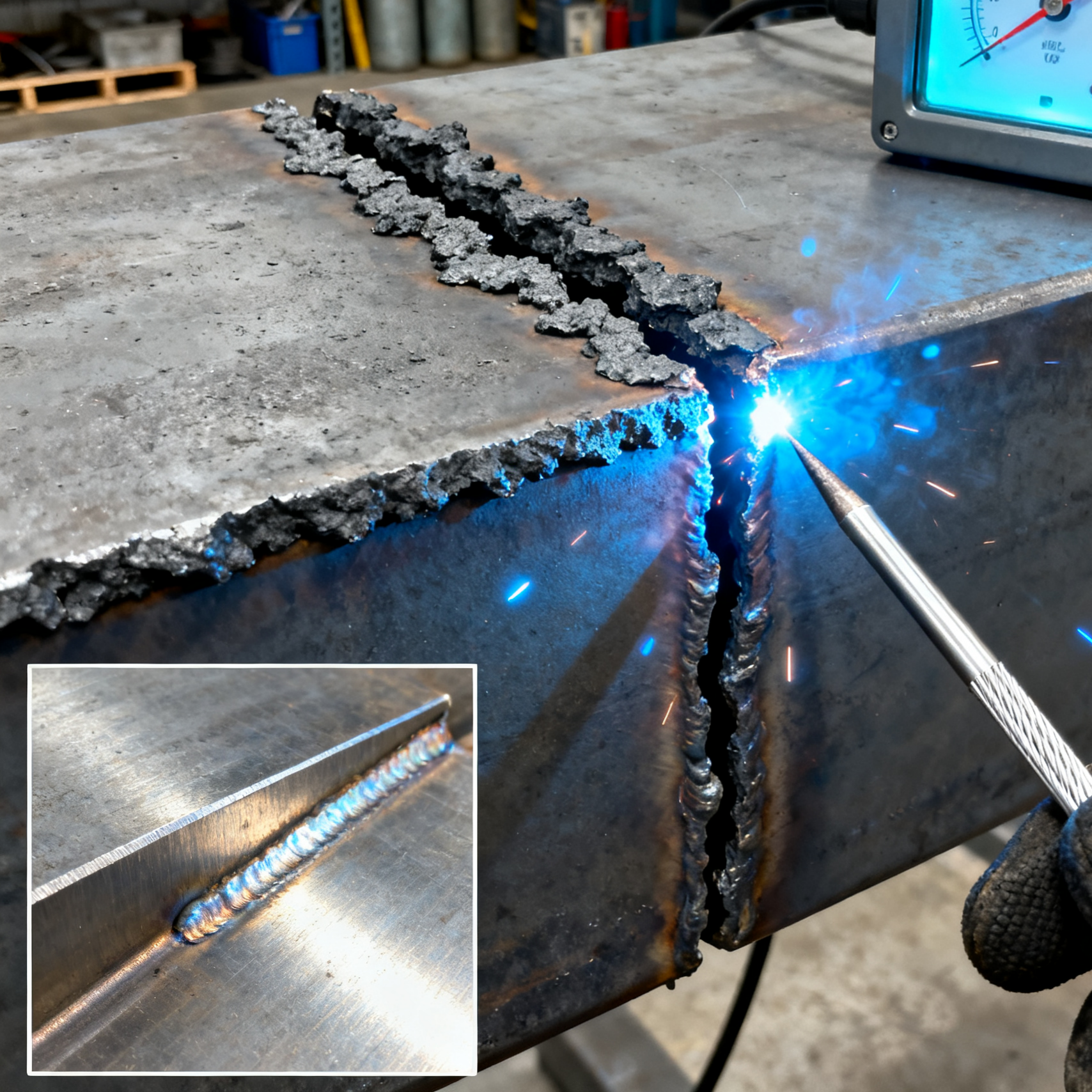




Low-Cost Welding Efficiency Boost: Okorder Semi-Automatic Wire Feeder User Guide, Compatible with Multiple Welders
For welding professionals, stable wire feeding is key to ensuring welding quality and improving work efficiency. Especially in small and medium-sized factories or outdoor construction scenarios, manual wire feeding is not only time-consuming and labor-intensive but also prone to uneven wire feeding—leading to defects like uneven weld beads and porosity. The CO₂ MIG MAG Gas-Shielded Semi-Automatic Wire Feeder sold on Okorder stands out as an ideal choice for boosting welding efficiency at a low cost, thanks to its high cost-effectiveness and strong compatibility. This blog will break down the user steps, compatible models, and practical tips for this wire feeder, helping you quickly master it for efficient welding.
WHY CHOOSE OKORDER’S SEMI-AUTOMATIC WIRE FEEDER? 3 CORE ADVANTAGES
Before diving into the tutorial, let’s explore why this wire feeder is worth investing in—especially for users seeking "low-cost, high-benefit" solutions:
Outstanding Cost-Effectiveness, Big Returns from Small Investments
Priced at only $85.00 per unit, it is far cheaper than similar products on the market. Whether you’re upgrading equipment for a small workshop or adding tools for personal welding work, you won’t bear excessive costs. Calculated based on reducing 2 hours of manual wire feeding time per day at an hourly rate of $20, you can recoup your investment in just one week.
Compatible with Multiple Models, No Need for Additional Equipment Replacement
It supports mainstream welders on Okorder, including household mini MMA inverter welders, industrial-grade three-phase IGBT DC welders, and gasless MIG welders (such as the LK-160ML). There’s no need to replace your existing welder to match the wire feeder, reducing equipment compatibility costs.
Tailored for Gas-Shielded Welding, Improving Weld Quality
Designed specifically for CO₂ MIG/MAG gas-shielded welding, it precisely controls the wire feeding speed (adjustable from 0-10m/min). This avoids the "uneven speed" issue of manual wire feeding, reduces weld spatter and porosity, and eliminates the need for repeated post-weld grinding—cutting cleaning time by over 50%.
PREPARATIONS: CONFIRM EQUIPMENT AND CONSUMABLE COMPATIBILITY
Before connecting the wire feeder, confirm the compatibility of your welder, welding wire, and wire feeder to avoid malfunctions due to mismatched models.
List of Compatible Welders (Popular Okorder Models)
| Okorder Welder Model | Applicable Welding Process | Wire Feeder Connection Method |
| Mini MMA Inverter DC Welder | MIG Gas-Shielded Welding (requires external gas circuit) | Power supply via the welder’s power interface directly |
| Three-Phase IGBT Inverter DC Welder | Industrial-Grade MIG/MAG Welding | Matches the welder’s wire feeder control port |
| Gasless MIG Welder (Model: LK-160ML) | Gasless Self-Shielded Welding | Replace the original manual wire feeding component and connect directly to the main unit |
| Household Mini Portable Welder (110V) | Light-Duty MIG Welding | Requires matching with a 12V power adapter (available for separate purchase on Okorder) |
Essential Consumables and Tools
- Welding Wire: It is recommended to use AWS E6013 carbon steel welding wire or E7018 low-hydrogen welding wire sold on Okorder, with a diameter of 0.8-1.2mm (compatible range of the wire feeder).
- Gas Circuit Accessories (for gas-shielded welding): CO₂ gas cylinder, pressure reducing valve (both available on Okorder).
- Tools: Phillips screwdriver, hex wrench (for adjusting wire feed roller pressure), wire guide tube (included with the wire feeder; extended versions can be purchased separately if the length is insufficient).
STEP-BY-STEP USER GUIDE: FROM INSTALLATION TO DEBUGGING
Step 1: Secure the Wire Feeder and Connect the Power Supply
- Choose a flat, well-ventilated location (avoid heat sources or humid environments). Fix the wire feeder to the workbench or mobile bracket using bolts. For outdoor use, a waterproof cover is recommended.
- Connect the power supply according to the welder type:Industrial-Grade Welders (e.g., three-phase IGBT models): Insert the wire feeder’s power cord directly into the welder’s "wire feeder control interface" for unified power supply by the welder;Household Mini Welders (e.g., 110V models): Use Okorder’s dedicated 12V power adapter—plug one end into a 220V socket and the other into the wire feeder’s power port—to avoid equipment damage from unstable voltage.
Step 2: Install the Welding Wire and Adjust Wire Feed Roller Pressure
- Open the wire spool cover on the top of the wire feeder. Place the wire spool (compatible with all wire spool diameters sold on Okorder) into the tray, ensuring the wire winding direction matches the arrow direction on the wire feed roller (reverse winding will cause wire jamming).
- Pull out the end of the welding wire, pass it through the entrance of the wire guide tube, and manually feed the wire between the wire feed rollers. Adjust the wire feed roller pressure according to the wire diameter:For 0.8mm wire: Tighten the pressure adjustment bolt slightly until the wire does not slip;For 1.2mm wire: Increase the pressure appropriately (tighten the bolt 1.5-2 turns) to ensure sufficient wire feeding force and avoid wire breakage.
Step 3: Connect the Welder and Gas Circuit (for Gas-Shielded Welding)
- Connect the "wire guide tube" at the output end of the wire feeder to the "wire inlet" of the welder, ensuring the interface is tightly secured (looseness will cause wire deviation and affect weld accuracy).
- For CO₂ gas-shielded welding: Connect one end of the pressure reducing valve to the CO₂ gas cylinder and the other end to the "gas interface" of the wire feeder via a gas tube. Adjust the gas flow rate to 15-20L/min (adjust according to the welding material: 18-20L/min for carbon steel, 15-18L/min for stainless steel).
- For gasless welding (e.g., LK-160ML welder): Skip this step as no gas circuit is required. Confirm that the "gasless mode" of the welder and wire feeder is enabled.
Step 4: Debug Wire Feeding Speed and Perform Test Welding
- Press the "wire feeding test" button on the wire feeder’s control panel to check if the wire is fed evenly:If the wire slips (wire feed roller idles but the wire does not move): Increase the wire feed roller pressure appropriately;If the wire bends or breaks: Reduce the pressure and check if the wire guide tube is blocked (remove the tube and blow it through with compressed air if necessary).
- Adjust the wire feeding speed according to welding requirements:For thin material welding (e.g., 1-3mm carbon steel): Set the wire feeding speed to 3-5m/min, matching it with low current (80-120A) to avoid burn-through;For thick material welding (e.g., 5-10mm carbon steel): Set the wire feeding speed to 6-8m/min, paired with high current (150-200A) to ensure sufficient penetration.
- Test Welding: Perform a 10-15cm straight weld on a scrap steel plate. Check if the weld bead is even and free of spatter. If the weld bead is too narrow, increase the wire feeding speed; if it is too wide, decrease the speed. Meanwhile, maintain a distance of 10-15mm between the welding torch and the workpiece.
PRACTICAL TIPS: AVOID 3 COMMON ISSUES AND IMPROVE WELDING EFFICIENCY
Solve "Wire Jamming": Clean the Wire Guide Tube Regularly
Wire jamming is the most common fault of wire feeders, mostly caused by accumulated wire debris or oil stains in the wire guide tube. It is recommended to remove the wire guide tube after welding 50 meters of wire, wipe the inner wall back and forth with a dedicated cleaning brush, or blow it through with compressed air to ensure the tube is unobstructed.
Improve Weld Quality: Match Wire Feeding Speed with Current
Wire feeding speed and welder current must be "adjusted synchronously"; otherwise, defects will occur:
- Excessive current + slow wire feeding: The wire melts too quickly, leading to concave welds and porosity.
- Insufficient current + fast wire feeding: The wire is not fully melted, resulting in weld accumulation and weak bonding.
Reference parameters for matching Okorder welders and wire feeders (taking carbon steel welding as an example):
| Wire Diameter | Wire Feeding Speed (m/min) | Welder Current (A) | Applicable Plate Thickness (mm) |
| 0.8mm | 3-5 | 80-120 | 1-3 |
| 1.0mm | 4-6 | 100-150 | 3-5 |
| 1.2mm | 6-8 | 150-200 | 5-10 |
Extend Wire Feeder Lifespan: 3 Daily Maintenance Tips
- After each use, turn off the power supply and gas circuit (if applicable). Wipe off wire debris from the surface of the wire feed roller to prevent rust.
- Check the internal terminal blocks of the wire feeder monthly to ensure they are not loose (looseness will cause unstable wire feeding).
After outdoor use, clean dust and moisture from the wire feeder shell in a timely manner. Apply anti-rust oil if necessary.
CONCLUSION: ACHIEVE "EFFICIENCY + QUALITY" IMPROVEMENT AT LOW COST
Although Okorder’s semi-automatic wire feeder is only priced at $85, it fundamentally solves the pain points of manual wire feeding: it not only increases welding efficiency by over 40% but also reduces post-weld grinding time and lowers rework rates. Whether paired with a household mini welder for small repairs or connected to an industrial-grade welder for mass production, it adapts seamlessly.
If you’re looking for a tool that "doesn’t cost a lot but significantly improves welding experience," this wire feeder is worth a try. When paired with Okorder’s welding wires and protective gear, you can also enjoy the convenience of one-stop purchasing—building an efficient welding solution at the lowest cost.
Finally, a reminder: Before using the wire feeder for the first time, it is recommended to carefully read the user manual.